How to Plan a Photo Booth for Your Next Corporate Event
Understanding the Role of a Photo Booth on a Busy Trade Show Floor
A corporate event photo booth can serve as a magnet for attendees, drawing them into your brand space even when the exhibit floor feels chaotic. But setting one up without a clear plan often leads to missed opportunities. The booth becomes a distraction rather than a tool for engagement. To make it work, you need to think through every step before the show opens. This article walks through the practical points to check so your photo booth runs smoothly and delivers real value for your brand.
Define Your Goals Before You Book Anything
Before you reserve a photo booth, decide what you want it to accomplish. Are you aiming to collect leads, increase brand awareness, or simply give visitors a memorable experience? Each goal changes how you set up the booth, what kind of backdrop you choose, and how you train your staff. For example, if lead capture is your main objective, you will want a system that collects contact information before someone takes a photo. If brand overlay is more important, you might focus on custom backdrops and branded frames that appear on every image. Knowing your purpose early saves time later.
Choose the Right Location on the Floor
Placement matters more than most planners realize. A booth tucked in a corner might see little traffic, while one near the entrance can get overwhelmed. Look for spots near food stations, rest areas, or main aisles where people naturally gather. Also consider noise levels. A photo booth with a loud printer or music can annoy neighboring exhibitors. If possible, scout the floor plan in advance and mark a few candidate locations. Talk to the event organizers about power outlets and Wi-Fi availability. A booth that cannot connect to the internet or plug in will cause headaches on the day.

Plan Your Backdrop and Lighting Setup
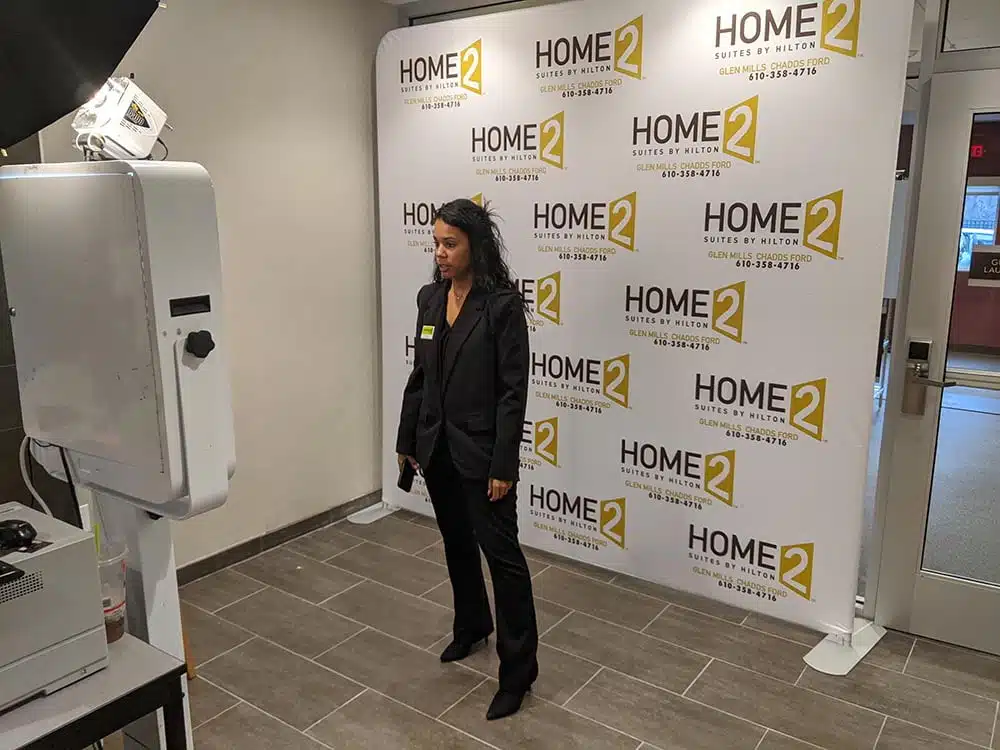
Backdrop design sets the visual tone for your entire activation. A branded backdrop with your logo and colors reinforces brand overlay while making photos look polished. But avoid making the backdrop too busy. Simple patterns or solid colors often photograph best. Lighting is equally important. Harsh overhead lights can create unflattering shadows. If you are using a portable booth, bring your own softbox lights or ring lights to ensure consistent quality. Test the lighting with a few sample shots before the event opens. That way you can adjust angles or brightness without rushing.
Prepare Your Staff for Visitor Engagement
Event staffing can make or break your photo booth experience. Your team should know how to greet visitors, explain how the booth works, and encourage them to share their photos online. They should also understand lead capture procedures. If you are using a tablet for digital sharing, staff need to guide guests through the process without being pushy. Role-play a few scenarios before the show. Practice handling a busy rush when a line forms. Good staff keep things moving while still making each visitor feel valued. They also watch for technical issues like a jammed printer or a frozen touchscreen.
Select the Right Print Format and Digital Sharing Options
Print format affects how visitors interact with your booth. Standard 4x6 prints are familiar, but square prints or mini strips can feel more modern. Some booths offer branded prints for trade show visitors, which include your logo and a call to action on the back. This is one of the most effective ways to extend your brand beyond the event. When people take the print home, they remember your company. Digital sharing is equally important. Let guests text or email their photos to themselves. This gives you a chance to collect contact details for follow-up. A simple QR code on the print can link to your website or a landing page. The combination of physical and digital keeps your brand in front of attendees long after they leave the floor.
Test Your Technology and Backup Plans
Technology fails at the worst moments. Before the show, test every component: the camera, printer, tablet, and any software. Run a few test photos. Check that branded prints for trade show visitors come out correctly. Make sure the digital sharing platform works with the event Wi-Fi. Have a backup plan for common problems. Carry extra paper, ink, and a power strip. If your booth relies on an internet connection, bring a mobile hotspot as a fallback. Also have a manual process ready if the tablet freezes. For example, keep a clipboard and pen for collecting emails. A little preparation prevents a long line of frustrated visitors.
Design a Simple Lead Capture Flow
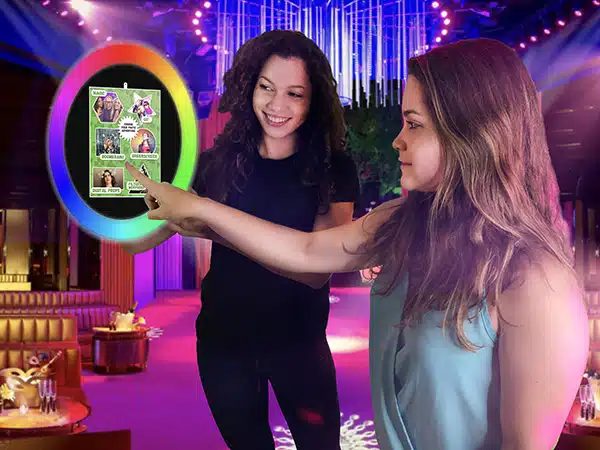
Lead capture does not have to be complicated. The easiest method is to ask for an email address or phone number before the photo is taken. Some booths use a touchscreen that requires an opt-in. Others use a QR code that links to a form. Whichever method you choose, keep the form short. Name and email are usually enough. If you want more data, ask for company name or job title, but avoid long surveys. People on a busy exhibit floor have limited patience. A quick capture that respects their time leads to higher completion rates. After the event, send a follow-up email within a week while the memory is still fresh.
Manage Booth Traffic and Wait Times
High traffic is a good problem, but it can become a bad experience if visitors wait too long. Set a time limit per group, perhaps one minute per photo session. Use a timer or have a staff member guide the flow. If the line grows long, consider a queue system with a tablet that sends a notification when a spot opens. Another option is to print photos on demand rather than immediately. That way people can take their photo, walk around, and pick up their print later. This reduces crowding at the booth. Also plan for peak hours. Lunchtime and late afternoon often see the most foot traffic. Schedule extra staff during those windows.
Think About Post-Event Follow-Up
The photo booth does not end when the show closes. Use the data you collected to send a thank-you message with a link to the digital gallery. If you captured email addresses, send a brief note with a reminder of your brand and a special offer. This turns a fun moment into a business opportunity. Also review the metrics from your booth: how many photos were taken, how many prints were distributed, and how many people opted into digital sharing. Compare these numbers to your initial goals. This analysis helps you improve for the next event. Over time, you learn what works best for your audience and your budget.
Final Checks Before the Show Opens
On the morning of the event, run a final checklist. Confirm that the booth is set up correctly, the backdrop is clean, the lighting works, and the printer has enough paper and ink. Test the camera and tablet one more time. Make sure your staff knows the schedule and where to find backup supplies. Walk the floor to see where your booth sits relative to other attractions. If you notice a long line forming early, adjust the flow. A quiet moment in the morning can be a good time to take test shots and fine-tune settings. Once the doors open, stay calm and let your preparation do the work.